Block Sandbox V4
App Description
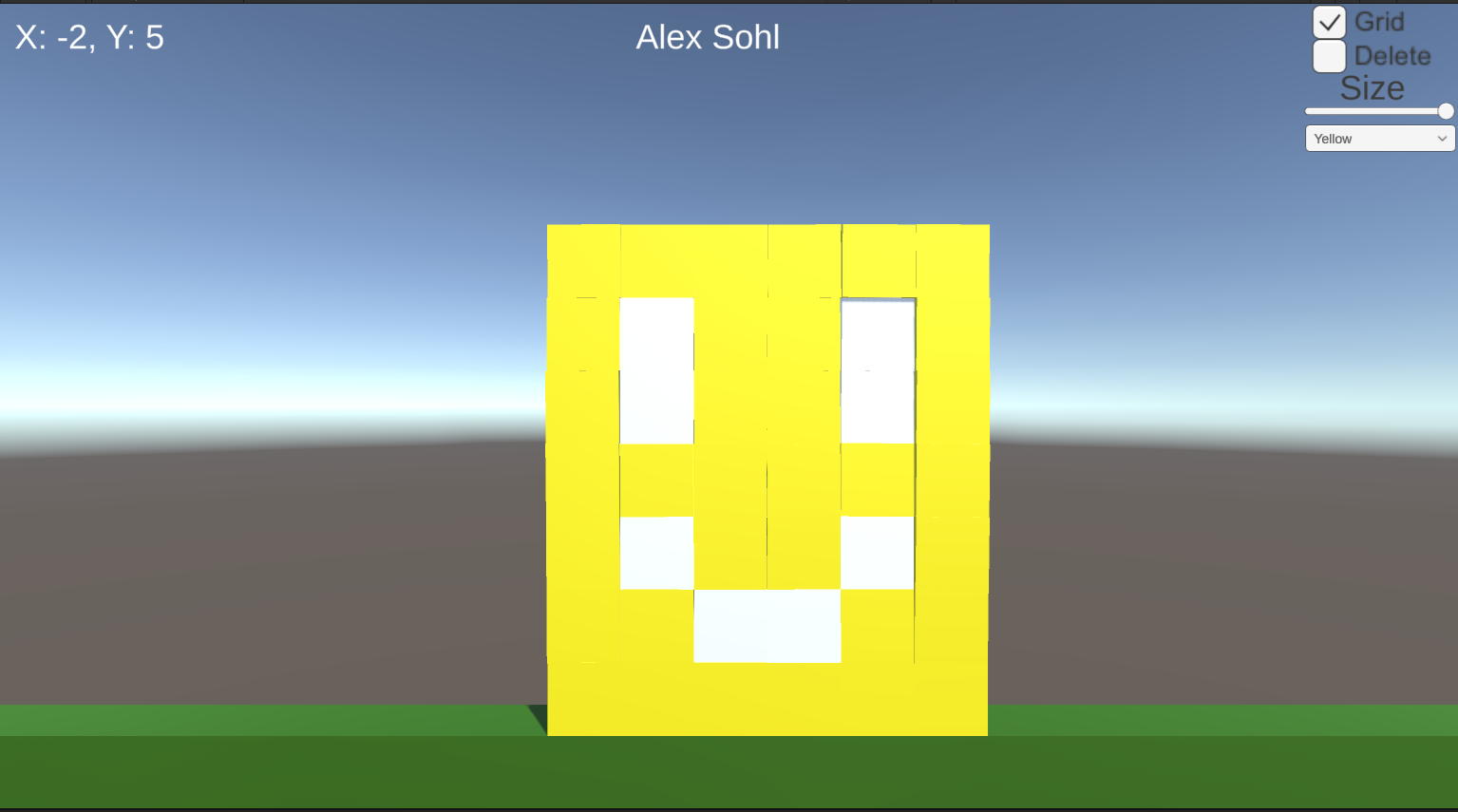
This is the third version of my block sandbox application. This version adds new animations and atmosphere to the project. Animations for the deletion and creation of blocks have been added utilizing the forward and reversing of animation clips. Screen shaking has been added as well using custom parameters in the animator to speed and slow down the animation randomly once clicked via UI. Lastly I have added a brand new sun object composed of multiple meshes to add more atmosphere to the game. The sun is controlled by the user and allows them to spin the sun rays left or right using the arrow keys.
How to Play
- Left-click on empty space to place a block
- Left-click on an existing block to delete it
- Click the Shake button to shake the camera
- Press the Left or Right arrow key to spin the sun
- Click Available UI Option To change How the Blocks Place, Function and look!
Feature 1: Place Animation
Input: Click on the screen
Process: Reads the player cursor input and then spawns a block. Block animators default animation clip is the spawn animation, it plays then doesnt loop.
Output: An animated block is spawned into the world.
Difference: My blocks start from nothing and then spawn in, unlike how it was shown in class in addition they only animate once and don't loop, this animation is kind of like a spawning animation in that sense.
Link: https://drive.google.com/file/d/1c4B2tu0ZXQ9Rz2Iw1KAmiTKEVgGs4k8P/view?usp=shari...
Feature 2: Deletion Animation
Input: Click on any block.
Process: Reads the player cursor input and then triggers blocks internal deletion code. An animation clip is found and checks if it has already been destroyed. If a false parameter AnimSpeed is set to -1f and then set to play. Once animation completes, destruction is triggered for blocks removing it from the world.
Output: Clicked block plays shrink animation and is removed from world
Difference: From what I can tell I use a unique approach blending the reversal of the clip using animation speed in the negatives unlike in the video.
Link: https://drive.google.com/file/d/1bJ75nEu27lbi2QI96U09s6tOFGbmnmOq/view?usp=shari...
Feature 3: Shake Screen
Input: Click the Shake button in UI
Process: Once the shake button is clicked in the ui our code triggers, if not already shaking IEnumerator is started where we set our parameter shaking to true in the animator, once this is done we choose a random shake speed and set that to the Shake Speed parameter. We then wait for .33f seconds for the clip to finish after which all triggers are reset and we return shaking bool check to false.
Output: The camera visually shakes to let the player know the scene is shaking.
Difference: The shake screen code uses a randomized parameter unlike in the example to control our speed of the shake.
Link: https://drive.google.com/file/d/10nc3h2Ai6_OPdZ8nPhgQKQnlJV2etYvy/view?usp=shari...
Feature 4: The Sun
Input: Press left or right arrow
Process: The user presses either the left or right arrow key. This is logged in the suns script where it changes the parameter TurnDir from 0 to 1 or 2. Once this value is changed the sun's animator swaps to either the left or right turn animation depending on value individually animating the sun rays and sun core. Once no keys are pressed it returns to the idle animation and waits for more.
Output: The Sun's rays move in either direction while the sun softly pulsates.
Difference: The user input required and logic behind my animation swapping differs from the rotations we are shown of the cubes in the video.
Link: https://drive.google.com/file/d/1-NoW1KWcvXTbdZ6onbisOvQQlM4g4a9b/view?usp=sharing
Leave a comment
Log in with itch.io to leave a comment.